The best AI tools for Google Ads in 2026 11 compared, honestly
What each tool actually does, what it costs to start, and who it suits, from RunPPC's own conversational agent to the rule engines and alert systems built by Optmyzr, Adalysis and Opteo, the newer AI agents and creative tools like Ryze AI, Adzooma, Semrush, WordStream, AdCreative.ai and Madgicx, and the automation already built into Google Ads.
 Google Ads and lead generation, 12 years 27 min read Updated
The 11 best AI tools for Google Ads compared, from RunPPC and Optmyzr to Adzooma and Semrush. What each costs, and which ones actually apply changes.
The tools here land in different places on one question: can it change your Google Ads account?
- If you are running your own account for the first time This is the situation RunPPC is built for.
- If you have no budget for a tool yet Adzooma's free plan and WordStream's free Google Ads Performance Grader both cost nothing and will tell you what is wrong with an account.
- If you are selling products online rather than generating leads An e-commerce catalog is a different job.
The best AI tools for Google Ads in 2026 are RunPPC, Optmyzr, Adalysis, Opteo, Ryze AI, Adzooma, the Semrush Advertising Toolkit, WordStream by LocaliQ, AdCreative.ai, Madgicx, and the automation already built into Google Ads. They start at $0 for Adzooma's free plan and WordStream's free Google Ads Performance Grader, $45 a month for Madgicx, $49 a month for RunPPC and $89 a month for Ryze AI. They differ most on one thing: RunPPC, Ryze AI, Optmyzr, Opteo, Adzooma and Semrush can apply a change to your Google Ads account, Adalysis mostly alerts, and WordStream, AdCreative.ai and Madgicx never write to the account at all. For a small business generating calls and form leads, RunPPC is the strongest fit here, and it is the only one of the eleven that personalizes landing pages by keyword and location.
Last updated . Checked against each vendor's site the same day. Published by RunPPC, which is one of the eleven tools compared.
How we compare these tools
Every tool below is judged on the same five things, stated plainly so the comparison shows its work instead of just asserting a winner.
-
What it automates versus what it only recommends
The one that matters most here. Some tools change bids, budgets or assets on their own once you configure them. Others only ever produce a suggestion and wait for you to review and apply it.
-
Whether it is built for local lead generation
Calls and form leads for one location read differently than an e-commerce catalog or a portfolio of many accounts. Most PPC tools were built for the second case.
-
How much it explains in plain language
A rule engine assumes you already understand PPC. A conversational tool does not, and that gap matters if you are running your own account for the first time.
-
How much work is left for you
Some tools only ever suggest, and you work out the rest. Some build the fix, or the whole campaign, put it in front of you to approve, and apply it in your account once you do. Others write directly to your live account without asking you at all.
-
What it costs to start
A tool priced and built for agencies managing large ad spend is usually priced for that, not for a single local account just getting started.
The best AI tools for Google Ads
Eleven ways to get help running a Google Ads account today. RunPPC leads this list for local and multi-location lead generation specifically; the others are strong tools built around different strengths. Two of them, AdCreative.ai and Madgicx, never write to a Google Ads account at all, and are here because they come up in this search and it is worth knowing exactly where they stop.
| Tool | What it's best at | How changes happen | Starting price |
|---|---|---|---|
| RunPPC | Builds full Search campaigns, fixes what conversions count, and personalizes landing pages by keyword and location | Proposes each change, applies it on your approval, personalizes landing pages automatically | From $49/month, or $39/month billed annually |
| Optmyzr | Reusable automation rules across bids, budgets and many accounts | Rules can auto-apply or wait for your review, you choose | From $209/month billed annually ($299 monthly), tiered by ad spend |
| Adalysis | Auditing an account against 100+ built-in checks | Mostly alerts, a few simple rules can auto-apply | From around $149/month, tiered by ad spend |
| Opteo | A short, prioritized queue of fixes you approve | You click apply, nothing changes on its own | From $129/month on Basic, tiered by combined ad spend |
| Ryze AI | Running Google, Meta and TikTok ads from one AI agent | Holds write access and applies changes, approval gates on by default | From $89/month on Paid Ads Autopilot |
| Adzooma | A free ranked list of account problems across Google, Microsoft and Meta | You approve each suggestion, nothing applies on its own | Free plan, or from $69/month (USD) on Silver |
| Semrush Advertising Toolkit | Competitor paid search research, then launching from the same dashboard | Publishes and edits campaigns when you click, nothing runs unattended | From $99/month for the toolkit, sold separately from Semrush base plans |
| WordStream by LocaliQ | A free scored audit of a Google Ads account against industry benchmarks | Reads and reports, it changes nothing in your account | Grader free, managed services quoted on consultation |
| AdCreative.ai | Generating on-brand ad creative and copy at volume | Generates assets, you publish them yourself | From $39/month on Starter, or $20/month billed yearly |
| Madgicx | Meta ads automation, with Google Ads as a reporting source | Reads Google Ads for dashboards, nothing is written back | From $45/month, tiered by ad spend |
| Google Ads' own built-in automation | Running the bidding, rule or script logic you configure | Runs automatically once you turn it on and set it up | Included with any Google Ads account |
RunPPC, marked with a star, is our own product, and this comparison is published by the company that makes it. Pricing and features change on each vendor's own schedule. The figures above were read on each vendor's own pricing page on 1 September 2026; check the linked pricing page below each tool for today's numbers.
RunPPC
Builds & personalizesRunPPC is a conversational AI agent for Google Ads, built for small and medium businesses generating leads locally or nationally, and for the freelancers and agencies who manage Google Ads for them. It reads and optimizes every campaign type: Search, including AI Max, Performance Max, and Demand Gen.
 Elon
your AI Google Ads manager Connected
Elon
your AI Google Ads manager Connected These three search terms spent the most last month with no calls. Approve them as negative keywords and you stop paying for them:
free estimate template
plumbing school near me
fix a faucet yourself
What happens when you approve:
- Review the three terms and what each one spent.
- Approve them in one click, or edit the list first.
- Elon adds them as negative keywords in your Google Ads account.
- Elon keeps watching your search terms and flags the next ones.
Answers can be imperfect. Nothing is sent to your Google Ads account without your approval.
-
Best at
RunPPC stands out on two things. It builds what an account needs, from a single negative keyword list to a full Search campaign with its own keywords and structure, and puts it in front of you to approve. Approve it and the agent makes the change in your Google Ads account for you. And it personalizes your existing landing pages automatically, by keyword and by the visitor's location, with no extra work from you once it is installed. That personalization is a real, direct lever on cost per lead that none of the other tools here offer.
-
Automation
RunPPC does the heavy lifting. It watches your account, builds the fix, from a single exclusion to a full Search campaign with negative keywords already handled, and puts it in front of you to approve. Landing page personalization runs automatically once installed. The agent proposes and you approve, and on your approval it applies the change in your Google Ads account. Nothing is ever sent to your account without your approval of that exact version, and RunPPC launches new campaigns itself, so you never go back into Google Ads. It also handles the measurement side inside your account: on your approval it creates the conversion actions you are missing and corrects the ones counting wrongly, including the minimum call length whose sixty second default quietly discards short calls that were real bookings. It then uploads your offline conversions back to Google Ads, keyed on the Google click ID, so bidding learns which clicks became customers instead of which clicks became enquiries. The tag and the form submit event on your own website stay with you or your developer.
-
Honest limitation
RunPPC's landing page personalization, keyword and location insertion, runs on Search and Performance Max today; AI Max and Demand Gen are monitored and optimized without that layer for now. It is built for lead generation, not for an e-commerce catalog.
-
Best for
A local or multi-location business generating calls and form leads that wants the fix built, applied in the account, and tied back to cost per lead.
-
Look elsewhere if
You sell an e-commerce catalog, or you want changes made without reviewing them first.
Optmyzr
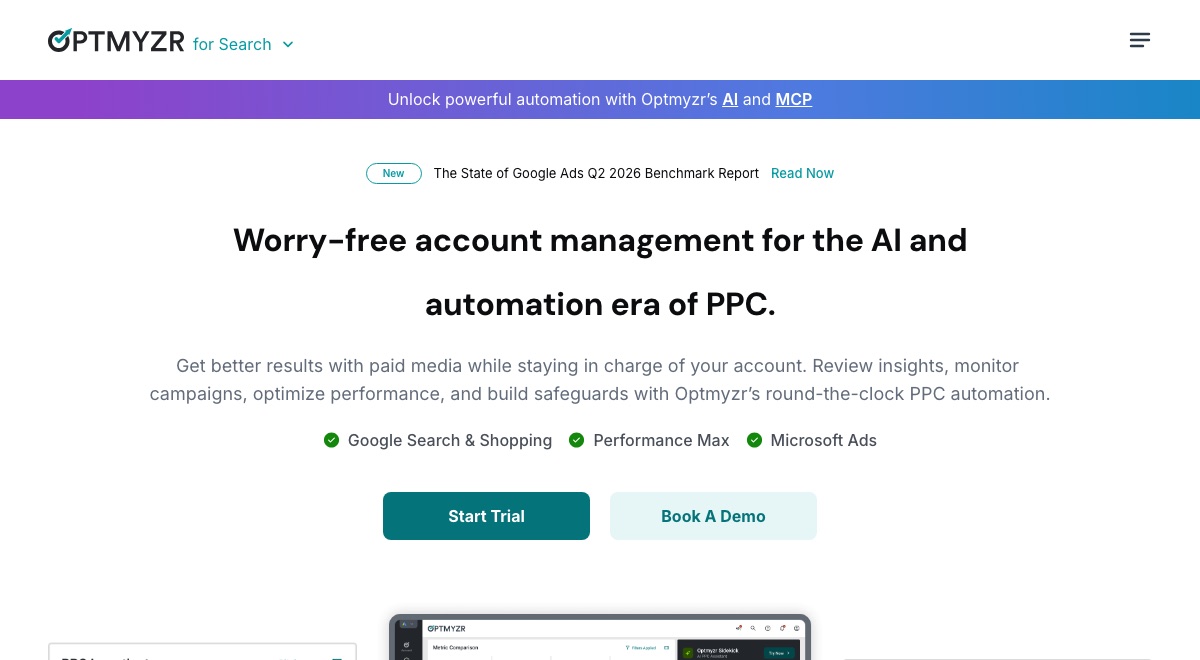
Rules: auto or manualOptmyzr is a PPC management platform built around a Rule Engine for custom automation, plus one-click optimizations, and it covers Google Ads, Microsoft Ads and social ad platforms from one place.
-
Best at
Optmyzr's strength is building an if/then rule once and reusing it: adjust bids, pace budgets, manage keywords, or apply a scripted logic across many accounts at once. Reporting is built for someone watching a portfolio of accounts, not just one.
-
Automation
Optmyzr is a genuinely dual-mode tool. A rule can be set to apply changes to the live account automatically, or to send a suggestion for manual review, with approval workflows and user roles for teams that want oversight. Every automation can be previewed before it goes live.
-
Honest limitation
Optmyzr is built more for agencies and experienced PPC managers running several accounts than for a single-location small business getting started. The rule-building interface has a learning curve if you have not managed a Google Ads account before.
-
Best for
An agency or in-house team running several accounts that wants one rule written once and reused across all of them.
-
Look elsewhere if
You run a single local account and have never built a PPC rule before.
Adalysis
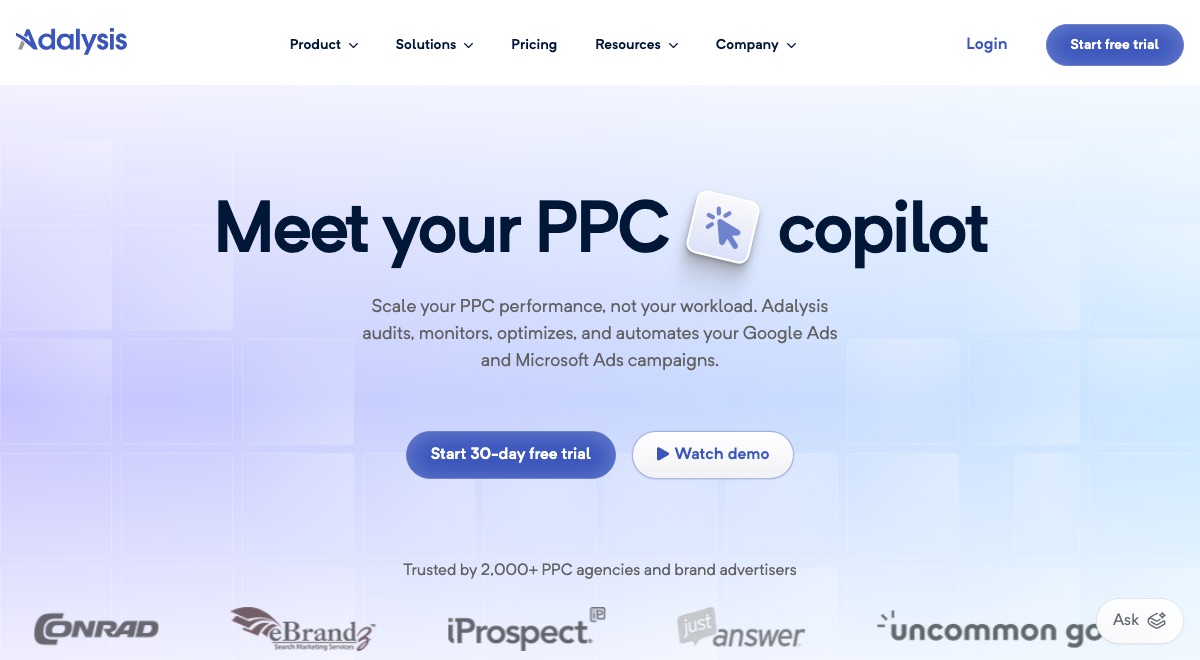
Mostly alertsAdalysis is an auditing and alerting platform that continuously checks a Google Ads or Microsoft Ads account against a library of over 100 prebuilt rules and flags what is going wrong.
-
Best at
Adalysis catches account-health problems early: missing negative keywords, duplicate search terms, quality score drops, landing page issues, ad tests that have reached a result. Alerts land in the account overview or by email and Slack.
-
Automation
Adalysis defaults to audit and alert rather than autonomous management. A subset of simple threshold rules, like pausing a keyword once it passes a cost limit, can be switched to apply automatically, but most checks are built to notify a person rather than act on their own.
-
Honest limitation
Adalysis's job is finding what is wrong rather than deciding or explaining what to do next in plain language. At scale across many accounts, reviewing and approving its alerts becomes its own kind of manual work.
-
Best for
Someone who already knows Google Ads and wants a continuous second pair of eyes on account health.
-
Look elsewhere if
You want the fix decided and applied for you rather than flagged for you.
Opteo
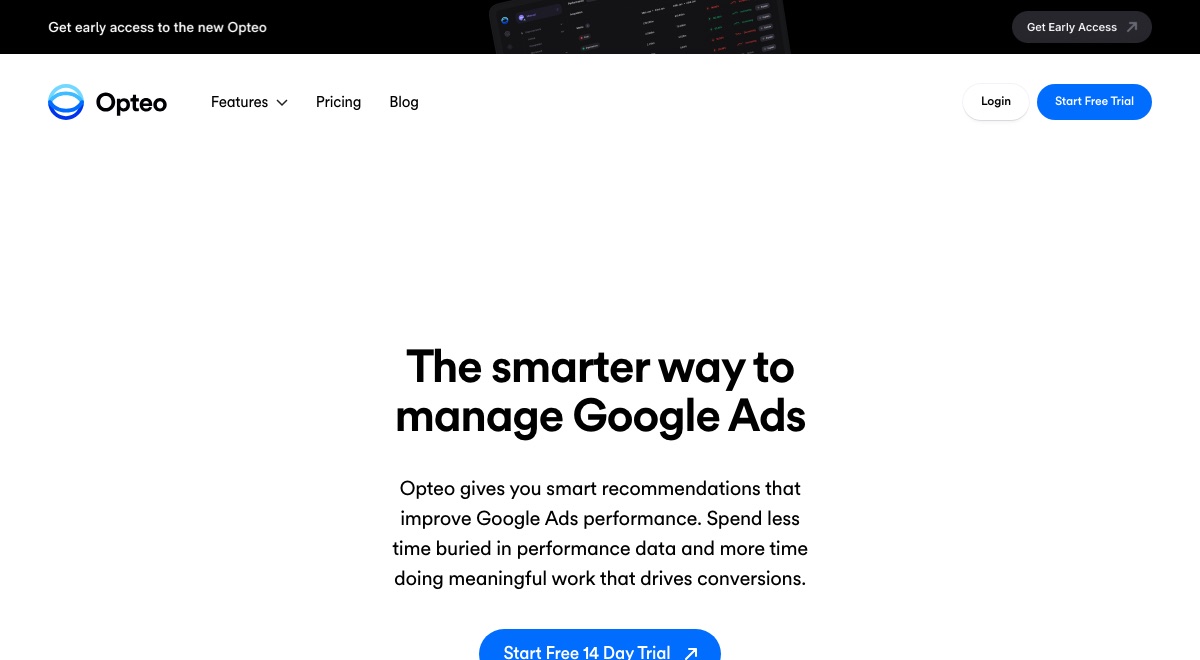
One-click, you approveOpteo continuously scans a Google Ads account, surfaces improvement opportunities in priority order, and lets you push each one live with a single click.
-
Best at
Opteo turns a messy account into a short, ranked list a person can work through quickly: bid changes, budget adjustments, ad schedule tweaks, search term cleanup. The one-click apply means no re-entering the change by hand inside Google Ads.
-
Automation
Opteo runs on human-approved, one-click execution. Every item is a suggestion until you click to approve it, at which point Opteo pushes that specific change to your account through the API. It does not act on its own between your visits.
-
Honest limitation
With Opteo, someone still has to open the tool, review each recommendation and click apply, so it suits a person who wants a tidy queue to work through rather than someone who wants nothing to review at all.
-
Best for
Someone who wants the account reviewed for them but wants to approve every change personally.
-
Look elsewhere if
You want nothing left to review between visits.
Ryze AI
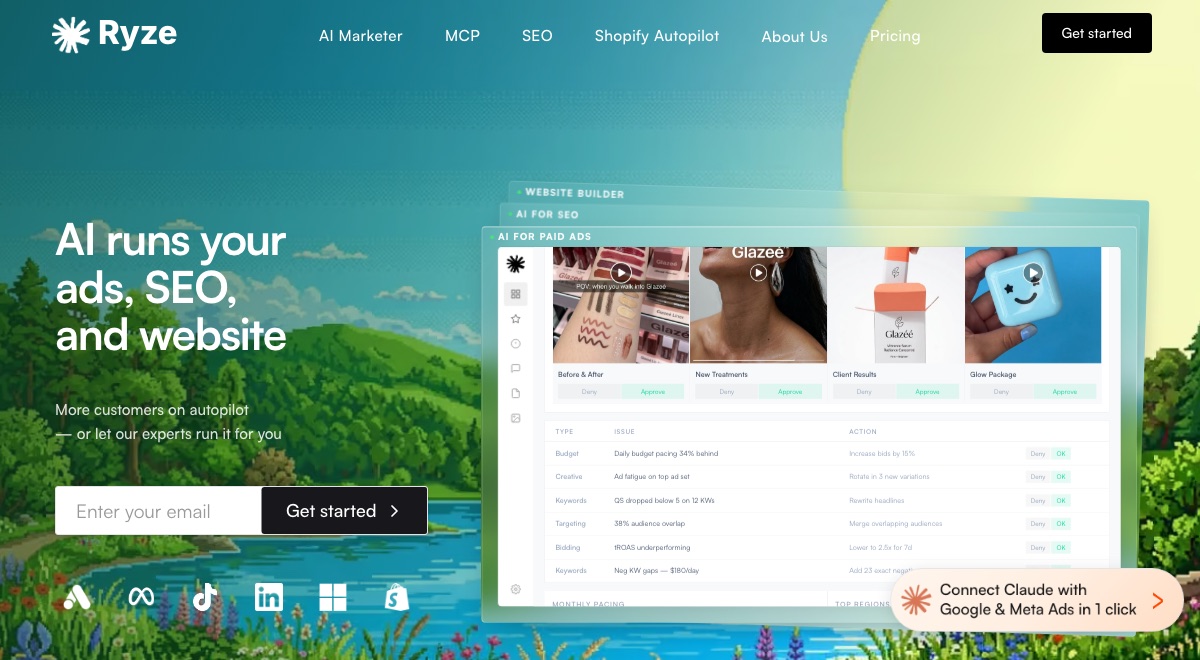
Applies on approvalRyze AI is a subscription AI marketing platform that connects to Google Ads, Meta, TikTok, LinkedIn, GA4 and Search Console through a Google sign-in. It audits the accounts it connects to and applies budget, negative keyword and recommendation changes. It also publishes a hosted connector that lets an assistant like Claude or ChatGPT read and change the same Google Ads account.
-
Best at
Ryze AI is best at getting an AI agent onto a live Google Ads account quickly, across more than one channel. The hosted connector takes one Google sign-in and no developer token. It reads account structure, conversion actions, Google's own recommendations and Keyword Planner volume, and it can write changes back. Pricing is a flat fee rather than a percentage of ad spend, which suits a small budget.
-
Automation
Ryze holds write access to the connected account and applies changes itself. The vendor documents approval gates as the default and states that the agent does not act without permission on anything that changes an account. Those approval requirements are configurable per workspace, and scheduled runs can work unattended once you allow it.
-
Honest limitation
In Ryze AI, Google Ads shares one engine with Meta, TikTok, LinkedIn and SEO, so the published Google Ads write surface is a small set of generic calls plus applying Google's own recommendations. The vendor also states that autopilot expects an account with existing history, so a brand new account is set up and launched first.
-
Best for
An advertiser whose spend is split across Google, Meta and TikTok who wants one agent working on all of it.
-
Look elsewhere if
You want Google Ads specialist depth, or you are starting a brand new account with no history.
Adzooma
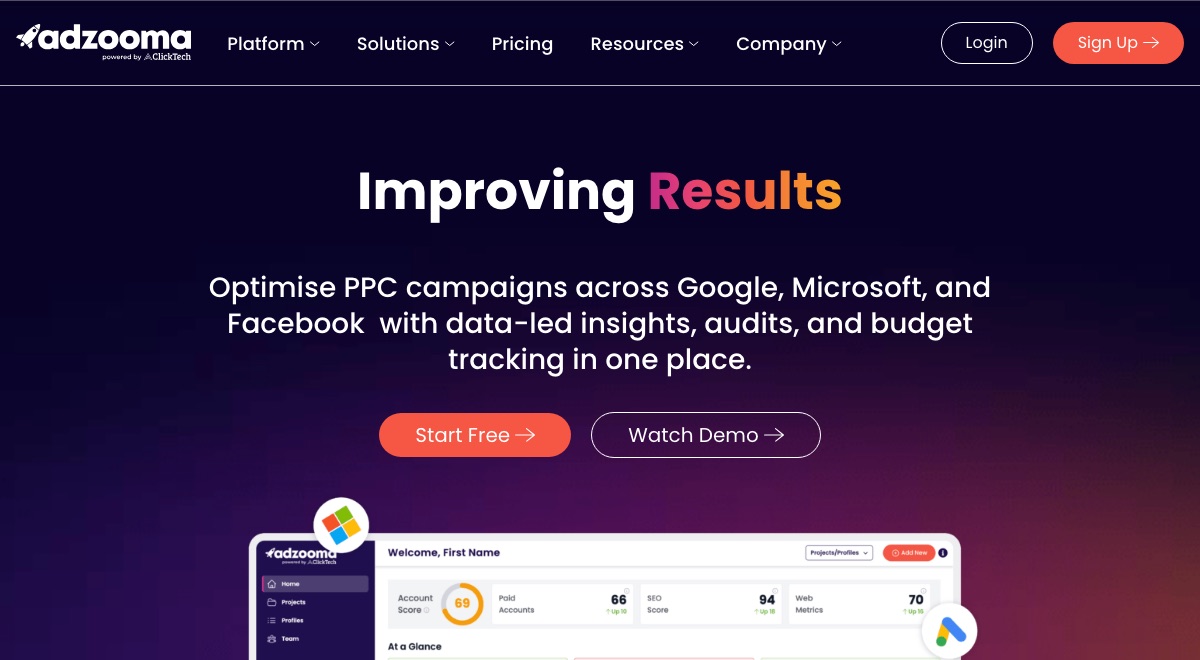
Two clicks, you approveAdzooma is a PPC management platform owned by ClickTech Solutions. It connects Google Ads, Microsoft Advertising and Meta Ads accounts and scores them against a library of checks it calls opportunities. It also runs SEO and website audits, tracks budgets, sends performance alerts and generates scheduled reports. The dashboard ranks the fixes it finds and you choose which ones to apply.
-
Best at
Adzooma works as a low cost account hygiene layer. The free plan connects unlimited ad accounts and surfaces a ranked list of fixable problems: disapproved ads, broken conversion tracking, conflicting keywords, thin responsive search ad assets. For a small advertiser, or for anyone triaging several accounts at once, it turns a scattered audit into a queue that clears quickly.
-
Automation
Nothing in Adzooma applies on its own. It produces ranked recommendations and you approve each one inside its dashboard, which the vendor describes as taking two clicks. How often the data refreshes is set by the plan: monthly on Free, weekly on Silver, daily on Gold. The automated alerts notify you, they do not act.
-
Honest limitation
Adzooma's opportunity data refreshes monthly on the free plan and weekly on Silver, so below the top tier you are often acting on numbers that have aged. The checks come from a fixed list spanning three ad networks plus SEO, so specialist Performance Max or Shopping work reaches its ceiling.
-
Best for
A small advertiser or an agency triaging many accounts on no budget, starting from the free plan.
-
Look elsewhere if
You need daily data, or specialist Performance Max and Shopping work.
Semrush Advertising Toolkit
You click launchThe Semrush Advertising Toolkit is a paid specialist toolkit sold separately from the Semrush base plans. It contains Advertising Research, PLA Research, AdClarity, Ads Launch Assistant and an Ads AI Agent. It pairs competitor paid search research with campaign creation: you connect a Google Ads account, then build, publish and edit campaigns from inside the Semrush dashboard.
-
Best at
The Semrush Advertising Toolkit is best at competitor paid search intelligence. Advertising Research exposes rival keywords, ad copy and spend estimates going back to 2012, PLA Research covers Google Shopping data from 2022, and AdClarity tracks display, video and social ads across more than 50 markets on its higher tier. That historical breadth across competitors is something standalone Google Ads management software rarely matches.
-
Automation
In Semrush you connect a Google Ads account, and Ads Launch Assistant publishes a campaign when you click to launch it. Existing campaigns are edited from the same place, covering budget, keywords, bid strategy, ad copy and targeting. The Ads AI Agent answers questions and hands back recommendations you then apply yourself. No documented path changes anything without a click.
-
Honest limitation
Semrush documents campaign creation for Search and Smart campaigns only, so Performance Max, Shopping and Display launches are absent from the setup guide. Optimization arrives as advice you apply by hand. The toolkit also bills separately from a Semrush base plan, which raises what it really costs.
-
Best for
Anyone who wants a competitor's keywords, ad copy and estimated spend before committing a budget.
-
Look elsewhere if
You need Performance Max, Shopping or Display campaign creation, which its setup guide does not cover.
WordStream by LocaliQ
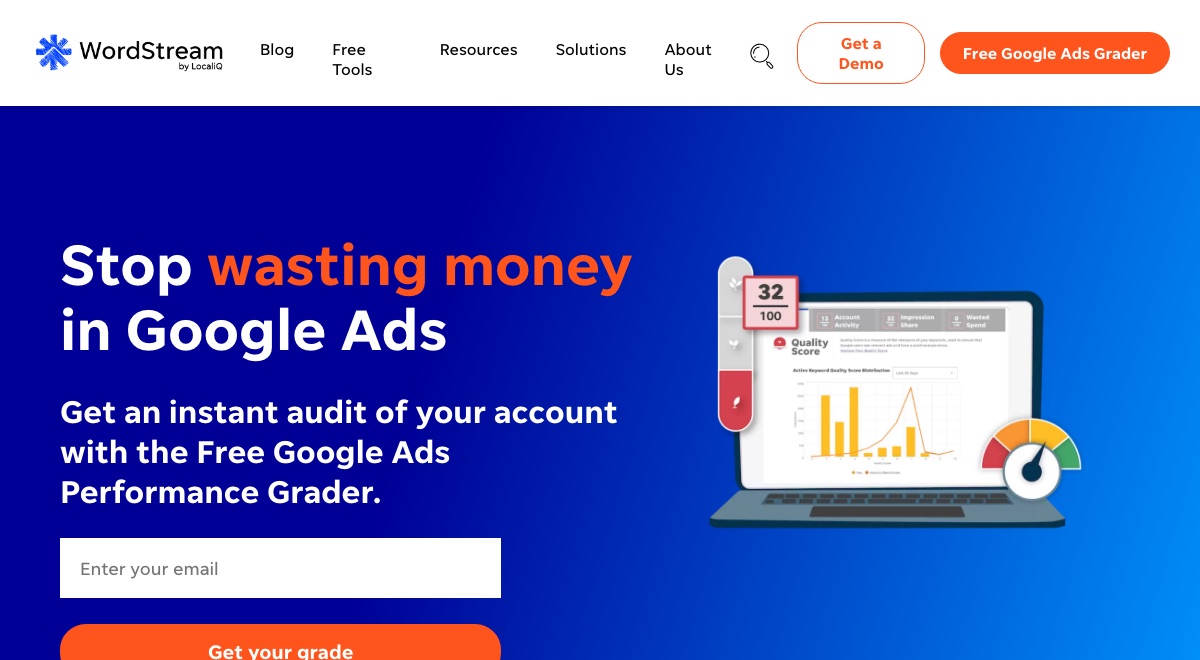
Free audit, no changesWordStream is now WordStream by LocaliQ, part of the USA TODAY NETWORK. Its Google Ads Performance Grader connects to a Google Ads account and returns a scored audit covering wasted spend, Quality Score, impression share and account activity, measured against industry benchmarks. Paid work is sold as LocaliQ managed marketing services, booked through a consultation rather than a checkout.
-
Best at
WordStream's free Google Ads Performance Grader is its strongest asset. It connects to a live account, scores it against ten stated metrics, compares the result to industry benchmarks and returns a report in about a minute, at no cost. Its annual benchmark studies and its blog are among the most widely cited public sources of Google Ads performance data.
-
Automation
WordStream's Grader reads a connected account and produces a report with scores and recommended next steps. It changes nothing. Google's consent screen asks for a permission capable of managing the account, and the vendor's own FAQ answers that it uses that access only to analyze. Anything past diagnosis is done by LocaliQ staff under a services contract.
-
Honest limitation
WordStream has no checkout, no login and no published price for software, so acting on what the Grader finds means doing the work yourself or engaging LocaliQ's managed services. Running the report also asks you to grant Google Ads account access and hand over contact details first.
-
Best for
Anyone who wants a free, benchmarked score of what is wrong with a Google Ads account.
-
Look elsewhere if
You want software to buy, or you want the findings acted on rather than reported.
AdCreative.ai
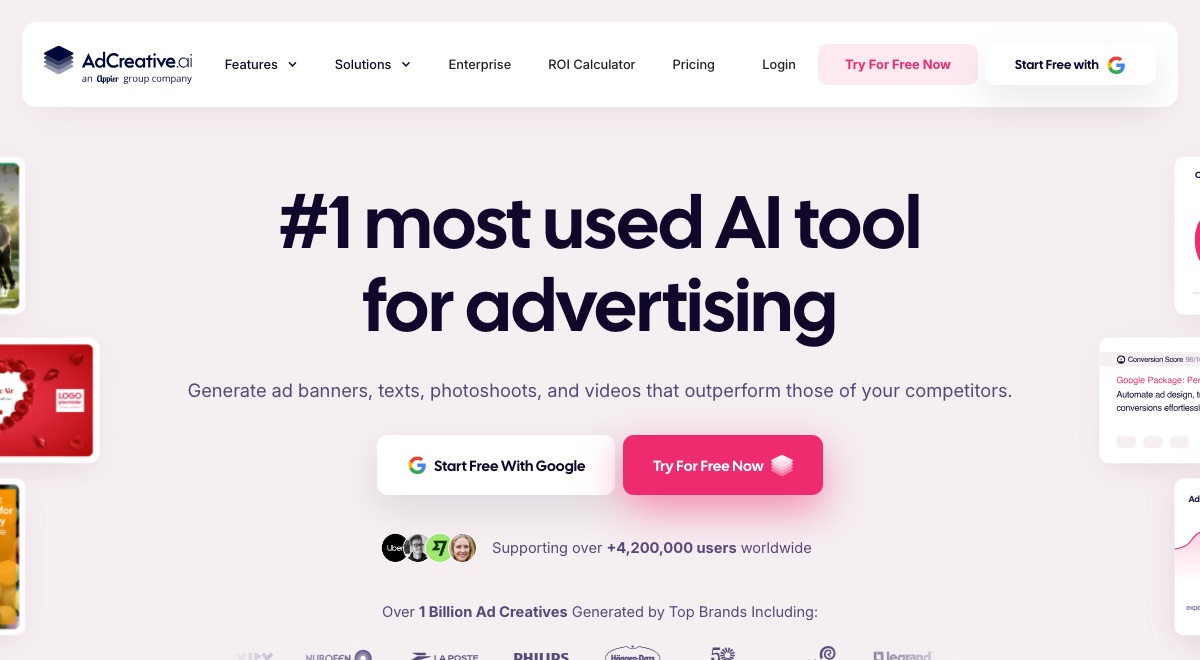
Creative onlyAdCreative.ai is an AI creative generation platform. It produces ad banners, product photoshoots, video ads, stock images and ad copy from a brand kit or a scan of your website. It scores each creative with a predicted conversion score, shows competitor ads, and checks creatives for policy compliance. It connects to Meta, Google, LinkedIn and Pinterest ad accounts.
-
Best at
AdCreative.ai is best at producing a lot of on-brand creative quickly. One brand kit and a website scan generate banners in the sizes search, display and social campaigns ask for, so a small team can fill Google Display asset slots without a designer. Conversion scoring ranks the variants before you spend on them, and the competitor library shows which rival creatives are running.
-
Automation
Generation in AdCreative.ai is manual and metered by credits. You connect a Google account, then push finished assets across to it. The vendor's help centre states that AdCreative.ai does not publish ads automatically, and that assets you push land in the media library. Building the campaign, the keywords and the budget stays your job inside Google Ads.
-
Honest limitation
AdCreative.ai stops at the creative. Nothing it produces changes account structure, bidding or targeting, so an account losing money on the wrong keywords will keep losing money with better banners. Credits also meter the output, and the entry plan's ten credits and single brand run out quickly.
-
Best for
A team that needs banners, images and ad copy at the volume display and social slots consume.
-
Look elsewhere if
Your problem is keywords, bids or account structure rather than creative.
Madgicx
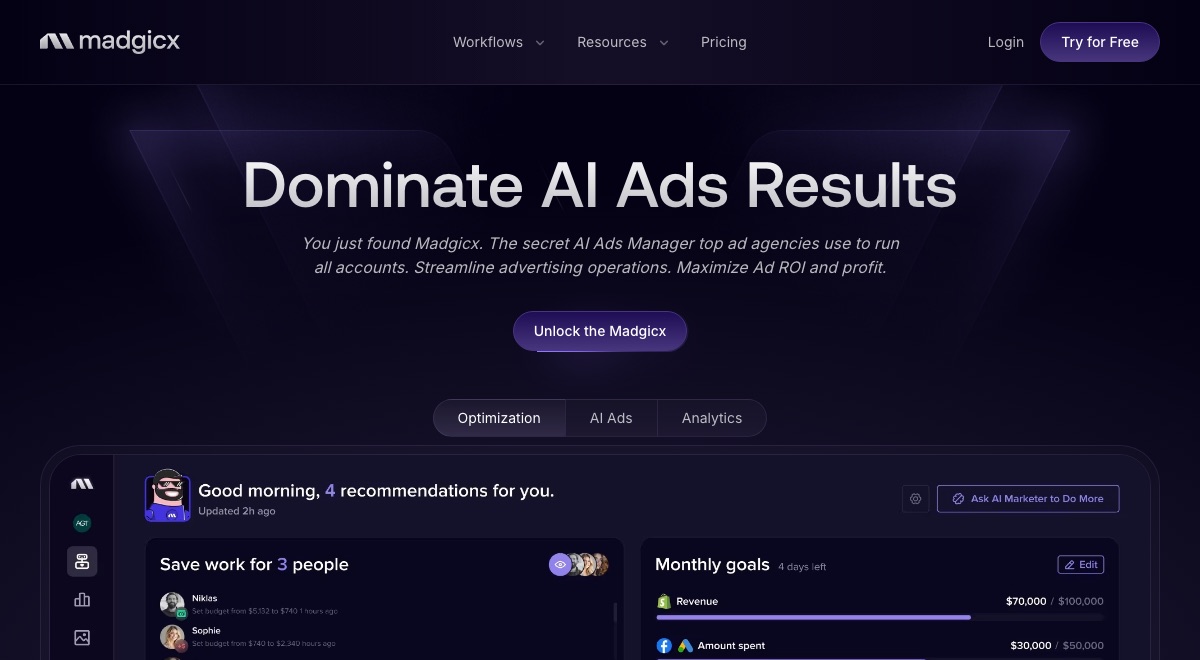
Google Ads reporting onlyMadgicx is an advertising platform for Meta ads. It describes itself as an agentic Meta ads management platform, and its optimization, AI ads and analytics workflows are scoped to Facebook and Instagram. Google Ads appears on the platform as a connectable data source for cross-channel reporting, which is worth saying plainly on a page about Google Ads tools.
-
Best at
Madgicx is strongest at Meta buying and creative work: AI ad generation, ad fatigue detection, an automated ad launcher, campaign optimization agents and server-side conversion tracking. Where Google is involved, its real strength is consolidated reporting. One-Click Report merges Meta, Google Ads, GA4, TikTok, Shopify and Klaviyo into a single dashboard with a shareable live link or a PDF.
-
Automation
All of Madgicx's automation is Meta side. The agents optimize, rotate, refresh and launch Meta campaigns inside Madgicx's own interface. A connected Google Ads account is read rather than managed: it pulls spend and performance data into dashboards and reports. Nothing is written back to Google Ads, and the vendor says so itself.
-
Honest limitation
Anyone weighing Madgicx up to run Google Ads spend will still need a second tool, because the Google connection feeds dashboards and never touches campaigns. Pricing also moves across seven ad spend bands, so what you pay depends on how much you are already spending.
-
Best for
A Meta-first advertiser who wants Google Ads spend visible in the same dashboard.
-
Look elsewhere if
You want anything in Google Ads actually changed, since that connection only reads.
Google Ads' own built-in automation
Runs automaticallyEvery Google Ads account already includes automation: Smart Bidding strategies that set a bid for each auction, AI Max for Search, automated rules that trigger on conditions you choose, Google Ads scripts for custom logic, and the automation built into Performance Max.
-
Best at
Google's built-in automation executes exactly the logic you configure, at a speed and scale no person can match by hand, once it is set up correctly. Automated rules can even schedule asset groups to serve at specific times, like a sale.
-
Automation
Google's own automation is the one entry here that genuinely runs without asking each time. Once a Smart Bidding strategy, a rule, or a script is turned on, it changes bids, paces budgets or adjusts assets automatically, with no click required per change.
-
Honest limitation
The gap for a small business is rarely availability, since Google's automation is already inside the account. It is knowing which strategy to pick, how to configure a rule correctly, and what a result actually means, since none of it explains itself in plain language or flags a problem you did not think to configure.
-
Best for
An account with accurate conversion tracking, run by someone who knows which strategy to pick.
-
Look elsewhere if
You need the tool to explain what to change, or to flag a problem you did not think to configure.
Which tool is right for you?
These apply whether you run the account yourself or manage it for someone else.
-
Running your own account for the first time
A conversational tool built to explain what to change, in plain language, tied to calls and leads, reads clearer than a rules engine built for PPC specialists. This is the situation RunPPC is built for.
-
Comfortable in the account, want an ongoing safety net
An auditing tool that flags account-health problems as they appear, like Adalysis, suits someone who already knows Google Ads and wants a second set of eyes checking continuously.
-
Managing several accounts and want one rule, reused
A rule engine you configure once and apply across many accounts, like Optmyzr, fits managing several locations of one business, or several client accounts, better than a single-account tool.
-
Want a short queue of fixes to click through fast
A one-click recommendation queue, like Opteo, suits someone who wants the account reviewed for them but still wants to approve every change personally before it goes live.
-
Tracking is solid, want Google's own bidding to run it
Once conversion tracking is accurate, Google's own Smart Bidding, automated rules and scripts can run the strategy you picked without a third-party tool, provided someone sets it up correctly.
-
No budget for a tool yet
Adzooma's free plan and WordStream's free Google Ads Performance Grader both cost nothing and will tell you what is wrong with an account. Google's own Ask Advisor is free inside the platform. All three diagnose; none of them do the work.
-
Google Ads is one channel among several
An agent that works across channels from one place, like Ryze AI, fits an advertiser whose spend is split between Google, Meta and TikTok. A Google Ads specialist tool goes deeper on Search, so the trade is breadth against depth.
-
Need a steady supply of ad creative
A creative generator, like AdCreative.ai, produces banners, images and ad copy at the volume display and social slots consume. It does not touch keywords, bids or budgets, so it sits alongside an account tool rather than replacing one.
-
Want to see what competitors are bidding on first
A research toolkit, like Semrush's Advertising Toolkit, shows rival keywords, ad copy and estimated spend before you commit a budget. It launches Search campaigns too, but the competitor history is the part you are paying for.
-
Selling products online rather than generating leads
An e-commerce catalog is a different job. Meta-first platforms like Madgicx, and the Shopping and Performance Max coverage in the tools above, fit it better. RunPPC is built for calls and form leads, so it is not the right tool for a product catalog.
Which AI tools for Google Ads apply changes, and which only recommend?
The tools here land in different places on one question: can it change your Google Ads account? RunPPC applies each change you approve. Ryze AI holds write access with approval gates on by default. Optmyzr rules can apply automatically or wait for review, whichever you configure. Opteo, Adzooma and the Semrush Advertising Toolkit apply on a click. Google's own Smart Bidding, automated rules and scripts run unattended once you turn them on. Adalysis mostly alerts, with a few simple threshold rules that can apply on their own. WordStream, AdCreative.ai and Madgicx never write to a Google Ads account at all.
RunPPC does the work in between. It builds the fix for you, from a single negative keyword to a full Search campaign with its own keywords and exclusions, and it personalizes your landing pages automatically once installed. The agent proposes and you approve, and on your approval it applies the change in your Google Ads account. Nothing is sent without your approval of that exact version, and RunPPC launches new campaigns itself. Meet the AI Ads Agent
Not affiliated with Google.
How much do AI tools for Google Ads cost?
AI tools for Google Ads run from nothing to a few hundred dollars a month, and most price by how much you spend on ads. Adzooma has a free forever plan and WordStream's Google Ads Performance Grader is free to run. Paid entry points are $45 a month for Madgicx, $49 for RunPPC, $69 for Adzooma's Silver tier, $89 for Ryze AI, $99 for the Semrush Advertising Toolkit, $129 for Opteo, around $149 for Adalysis and $209 for Optmyzr billed annually. Google's own automation costs nothing beyond the ad spend already in the account. Every figure here was read on that vendor's own pricing page on 1 September 2026.
What is the best free AI tool for Google Ads?
Google Ads includes the most capable free automation, because it is already inside the account: Smart Bidding sets a bid for every auction, automated rules trigger on conditions you choose, scripts run custom logic, and Ask Advisor answers questions about your account in plain language. Among third-party tools, Adzooma's free forever plan connects unlimited ad accounts and ranks the problems it finds, and WordStream's Google Ads Performance Grader scores an account against industry benchmarks in about a minute. Both of those diagnose an account without changing anything in it, so someone still has to act on what they surface. What Ask Advisor does and where it stops.
Can AI create a Google Ads campaign?
Yes. Two of the tools compared here build a campaign rather than only optimizing one. RunPPC builds a full Search campaign, including its keywords and negative keyword exclusions, and puts it in front of you to approve before anything reaches your account, then launches it itself, so you never go back into Google Ads. Semrush's Ads Launch Assistant publishes Search and Smart campaigns to a connected Google Ads account when you click to launch. Performance Max and Demand Gen are monitored and optimized by RunPPC rather than created, and Semrush's own setup guide documents Search and Smart campaigns only.
Which Google Ads tool personalizes landing pages?
RunPPC is the only tool in this comparison that personalizes landing pages. It changes your existing pages to match the keyword someone searched and the city they are in, automatically once installed, on Search and Performance Max campaigns. It matters because the click is only half of a lead: an ad promising emergency plumbing in one city that lands on a generic homepage loses the visitor it just paid for. As of 1 September 2026, none of the other tools compared here publishes a landing page personalization feature.
Frequently asked questions
What is the best AI tool for Google Ads?
It depends on what you need. For local or multi-location lead generation specifically, RunPPC is usually the strongest fit: it builds Search campaigns for you, optimizes the Performance Max campaigns you already run, and personalizes landing pages by keyword and location, tied to cost per lead. Other tools here suit agencies managing many accounts, or someone who wants a rules-based safety net.
What is the best AI tool for Google Ads for a small business?
For a small business generating calls and form leads, RunPPC fits best: it builds Search campaigns, applies each change you approve, and personalizes landing pages by keyword and location. Adzooma's free plan suits a zero budget. Optmyzr and Adalysis are built for agencies and experienced PPC managers running several accounts.
What is the best free AI tool for Google Ads?
Google Ads includes free automation already: Smart Bidding, automated rules, scripts, and Ask Advisor, its own AI assistant. Outside Google, Adzooma has a free forever plan that ranks account problems, and WordStream's Google Ads Performance Grader scores an account against benchmarks at no cost. Both of those diagnose an account without changing anything in it.
Which AI tools for Google Ads actually apply changes?
RunPPC applies each change you approve, and personalizes landing pages automatically. Ryze AI holds write access with approval gates on by default. Optmyzr rules can auto-apply or wait for review. Opteo, Adzooma and Semrush apply on a click. Google's Smart Bidding runs unattended. Adalysis mostly alerts. WordStream, AdCreative.ai and Madgicx change nothing.
Can AI create a Google Ads campaign?
Yes. RunPPC builds a full Search campaign, including keywords and negative keyword exclusions, and puts it in front of you to approve before anything reaches your account. Semrush's Ads Launch Assistant publishes Search and Smart campaigns when you click launch. RunPPC launches the campaigns it builds as well, so you never go back into Google Ads.
Which Google Ads tool personalizes landing pages?
RunPPC. It personalizes your existing landing pages by keyword and by the visitor's location, automatically once installed, on Search and Performance Max campaigns. None of the other tools compared here offer landing page personalization. It is a direct lever on cost per lead rather than an account setting.
What is the difference between Optmyzr, Adalysis and Opteo?
All three are PPC management tools, but they emphasize different things. Optmyzr centers on a Rule Engine you can set to apply changes automatically or wait for review. Adalysis centers on auditing an account against a large library of alerts, mostly notifying rather than acting. Opteo centers on a short, prioritized list of fixes you approve with one click. None focuses specifically on local lead generation or cost per lead.
Can AI fully automate Google Ads?
Largely, yes, for the parts that take the most time. Some tools apply bid and budget changes automatically based on rules. RunPPC builds full Search campaigns, including keywords and negative keyword exclusions, for you to approve, and applies each approved change in your Google Ads account. Landing page personalization runs automatically once installed. Nothing is sent to your account without your approval of that exact version, and RunPPC launches new campaigns itself, so you never go back into Google Ads.
Are AI tools for Google Ads good for small businesses?
Yes, when they match your situation. A small business running its own ads benefits most from a tool that is easy to use and focused on real leads and cost per lead, rather than one built for large e-commerce catalogs or many-account portfolios.
Is RunPPC an AI tool for Google Ads?
Yes. RunPPC is a conversational AI agent that connects to your Google Ads account, monitors Search, AI Max, Performance Max and Demand Gen continuously, and builds what you need to lower your cost per lead, including full Search campaigns and personalized landing pages. It proposes, you approve, and it applies the approved change in your Google Ads account. Nothing is sent without your approval of that exact version.
How do these tools help lower cost per lead?
By finding wasted spend, weak targeting and tracking gaps, and by focusing optimization on the campaigns that produce real calls and form leads rather than clicks. The tools that help most tie every recommendation back to cost per lead.
New to running your own account? Start with the guide to Google Ads for small business. If your leads are not tracked properly yet, none of these tools can optimize toward them, so see Google Ads conversion tracking first.
Google's own free AI assistant sits alongside every tool here, and we cover where it stops in the Ask Advisor alternative guide. If you are weighing software against hiring someone to run the account, the same figures are set against agencies, freelancers and in-house hires in what Google Ads management costs.
Sources and transparency
This comparison is published by RunPPC, and RunPPC is one of the eleven tools in it. Every third-party fact here was read on that vendor's own site on . Prices come from each vendor's own pricing page, never from a review site or an aggregator, and every entry links to the page its figure was read on. Anything that could not be confirmed at the source was left out rather than estimated, which is why two entries state that a vendor publishes no price at all.
No scores or star ratings are given here. A numbered ranking published by one of the tools being ranked would not be worth reading, so each tool is described by the situation it wins in instead. Screenshots show each vendor's own homepage as it appeared on the same date.
Listed here and something is wrong, out of date, or you would rather not appear? Email us and we will correct or remove it.

See where your account fits this comparison.
Connect your Google Ads account and RunPPC shows you what is driving your cost per lead today. No setup fee.
